
Lead your projects with control, not cleanup

Build workflows that reduce manual tracking, prevent rework and give you visibility into what’s at risk—before it impacts your schedule or margin.

IMPROVE YOUR FLOWS

PROJECTSIGHT

Simplify your construction workflows with ProjectSight

It’s time to improve project outcomes by managing RFIs, drawing versions, changes and daily tasks in one project management tool, minimizing the need to rely on email chains or spreadsheets.

With ProjectSight, you can:

  • Capture and share field updates quickly
  • Control drawing versions and link RFIs directly
  • Route and approve changes with visibility into what’s pending, approved and at risk
  • Track assignments, prevent delays and keep teams aligned
  • View and leverage 3D models and reality capture data to eliminate costly field rework
Two men in construction gear look at a tablet on site.

GUIDE

Construction workflow guide: From field issues to approved changes

Explore real workflow examples and visual breakdowns that show how you can move from field updates to formal decisions with clarity, speed and accountability.

What’s inside:
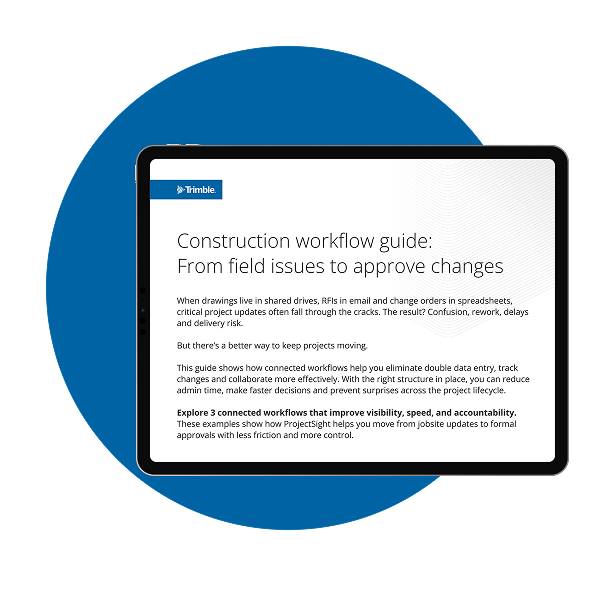
  • Step-by-step workflows for RFIs, submittals and change orders
  • Templates to help standardize tracking and approvals
  • Role-specific guidance for PMs, field operation managers and project executives
EXPLORE THE WORKFLOWS →
Trimble Construction Workflow Guide preview

Get your workflow guide

Fill out the form to access the Construction Workflow Guide and start building smarter, more connected workflows across your project teams.
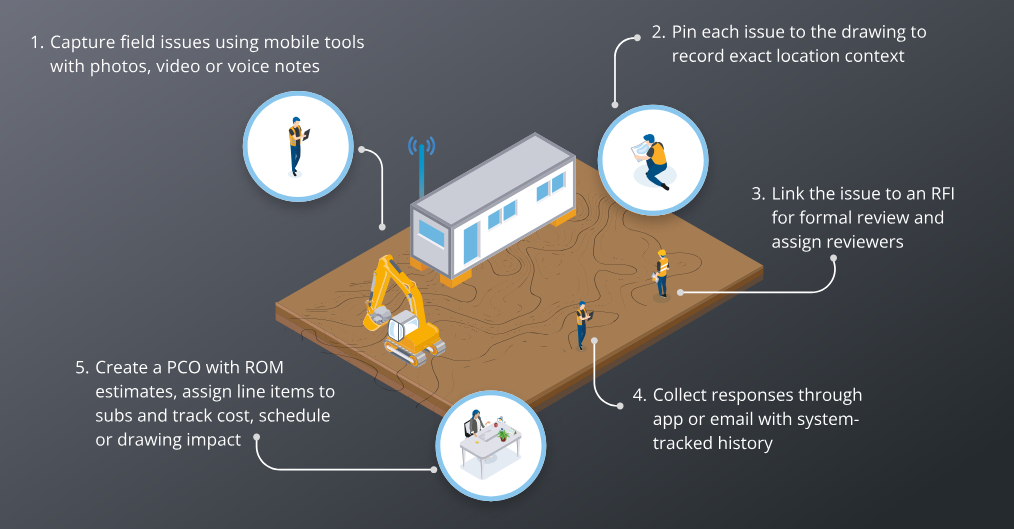
Construction Workflow Guide cover

DOWNLOAD THE GUIDE

Fill out the form and we’ll send it over

Trimble will process your personal information, business information and geolocation and either we or our reseller will respond to your request for information and sales support. Trimble’s Privacy practices are described here: Privacy Notice

Workflows that keep projects moving

Smart RFIs

Create RFIs directly from drawing markups. Assign reviewers, set due dates and track status from submission to closeout, using automated notifications that instantly link all email responses and attachments directly to the RFI record.

Connected change orders

Tie field-initiated changes to drawings, RFIs and scope. Route changes with context and visibility, so approvals move faster.

Detailed daily logs

With ProjectSight’s powerful mobile application, field teams can submit labor, weather and jobsite conditions from a mobile device, tag logs by date and location and flag issues for follow-up.

A construction worker points to the site while another talks on the phone.

BROCHURE

ProjectSight capabilities overview

See how connected project workflows are structured across drawings, RFIs, submittals and change orders. This brochure outlines the core capabilities that help project teams manage documentation, updates and task progress in one system.

Inside, you’ll learn how to:

  • Route and approve RFIs, submittals and changes faster
  • Eliminate rework using 3D models and constructible views in the field
  • Create a single, time-stamped audit trail for project decisions
  • Achieve on-demand financial control and budget tracking
DOWNLOAD THE BROCHURE →
ProjectSight screen preview

Let’s talk

Take back control of every project. We’ll show you how with ProjectSight, plus best practices and use cases from others who have regained total project visibility.
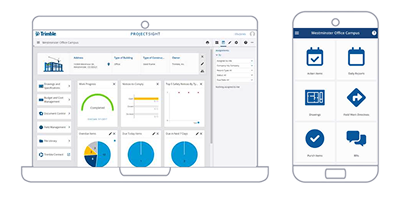
ProjectSight desktop and mobile app illustrations

GET IN TOUCH

Fill out the form and we’ll get in touch

Trimble will process your personal information, business information and geolocation and either we or our reseller will respond to your request for information and sales support. Trimble’s Privacy practices are described here: Privacy Notice